
Are you looking for a quick and simple way to log into all your North Carolina school apps without typing different passwords every single time?
Managing dozens of logins for classwork, grades and testing gets messy very quickly for both students and teachers. Forget one password and you suddenly miss an assignment or fall behind on grading. NCEdCloud fixes this exact problem by placing every educational tool behind a single secure login page.
In this blog, we will explain how the login portal works, how you can claim your new account and how to clear up common system issues without stress.
A Closer Look at NCEdCloud
The NCEdCloud (North Carolina Education Cloud) is a secure, cloud-based platform that provides a Single Sign-On service for K12 students, teachers and school staff across North Carolina. Managed via RapidIdentity, it allows users to access multiple educational applications using just one username and password.
Instead of remembering five different logins for homework sites and grade books, you sign in once on the primary system dashboard. From there, your dashboard gives you direct access to all linked state applications without asking for credentials again. It saves class time and keeps sensitive student information behind a protected digital wall.
Why Do Students and Teachers Use NCEdCloud?
People use this portal because keeping track of separate usernames across multiple school tools causes endless confusion.
When school systems run without a unified account center, students lose passwords and teachers waste valuable class minutes resetting them. This portal acts as a central hub, making digital learning much smoother for everybody involved.
Main reasons schools choose it:
- Single login point for every connected educational application
- Quick password resets performed directly by classroom teachers
- Uniform dashboard layout that stays the same across all school districts
- Safe data protection that guards student records behind strong encryption
- Easy account claiming process for new students and staff members
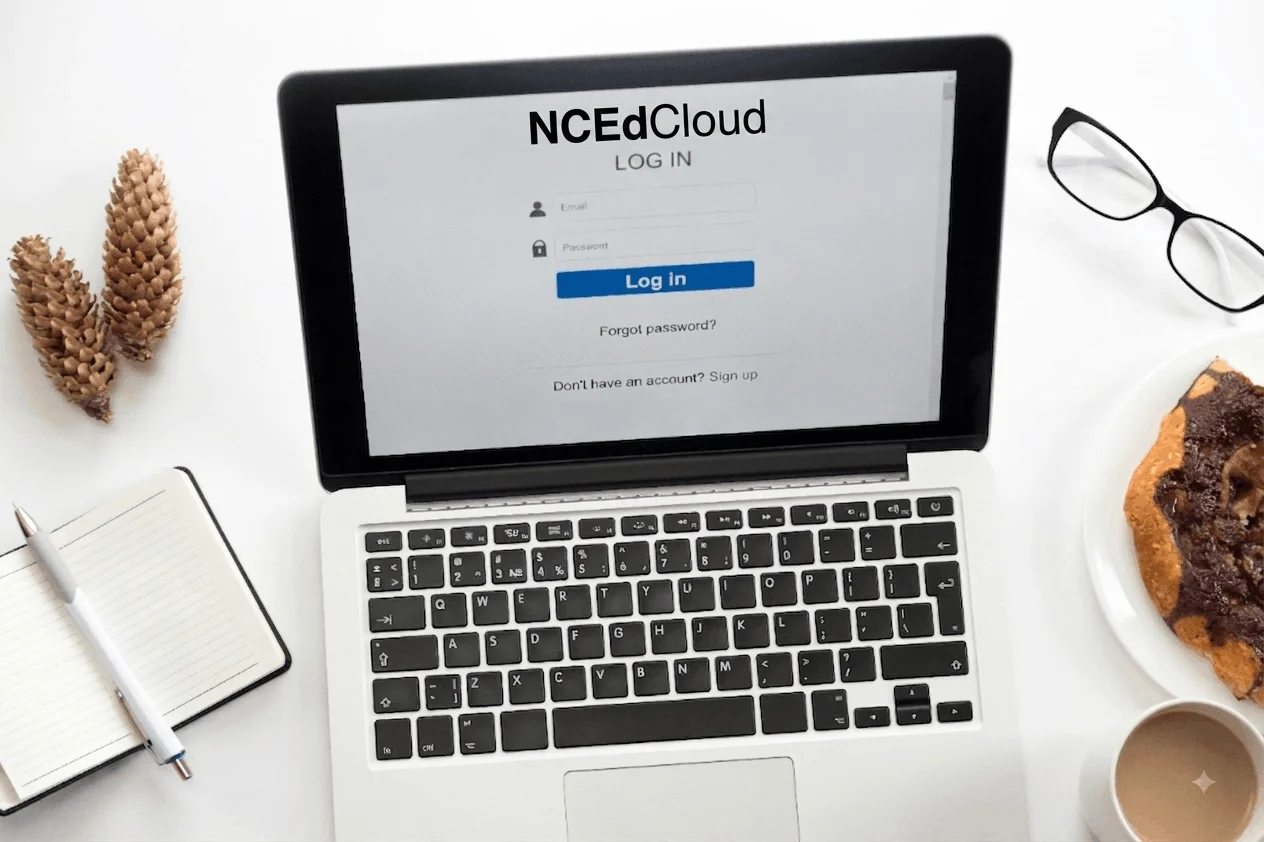
How Do You Log In to NCEdCloud?
Logging into your daily account takes less than a minute once your profile is active.
- Go directly to the official portal page at the RapidIdentity portal.
- Enter your NCEdCloud Username, which is your 9- or 10-digit State UID, Student Number or Lunch Number, and click Go.
- Type your unique password into the box and click Sign In.
Once you click that final button, your personal dashboard opens up with all your class icons ready to use.
What Apps Can You Access Through NCEdCloud?
Your dashboard holds all the core digital tools you need for daily schoolwork. You can read more about single sign-on tech on Wikipedia if you want to know how one password opens multiple sites safely.
Core Apps Available on Your Dashboard
- Canvas LMS for turning in homework, viewing class modules and reading teacher announcements
- PowerSchool for tracking daily grades, checking attendance records and viewing official report cards
- Schoolnet for taking required online tests and completing classroom benchmarks
- Discovery Education for reading digital textbooks and viewing interactive educational videos
- Google Workspace for typing class essays, creating slides and collaborating on real-time group projects
How Do First-Time Users Claim an NCEdCloud Account?
If you are new to the North Carolina public school system, you must claim your account before logging in for the very first time.
- Visit the main login homepage and click the Claim My Account button near the bottom.
- Choose your correct policy, such as Student Claim Policy or Employee Claim Policy.
- Enter your required personal data, including your State UID number, birthdate and school code.
- Create a strong password and answer five security challenge questions so you can recover your profile later.
Make sure you write your security answers on paper and keep them in a safe place at home.
How Does NCEdCloud Compare to Standard School Logins?
| Feature | NCEdCloud Portal | Old Standard School Logins |
| Passwords to Remember | One single password | Five or more separate passwords |
| Reset Speed | Instant teacher resets | Slow ticket requests to IT staff |
| Account Setup | One-time account claim | Manual setup per app |
| Platform Security | Central identity protection | Scattered security settings |
| Daily Access | All apps on one dashboard | Multiple bookmarks needed |
This unified setup saves tons of lost instructional time because nobody stays locked out of class materials for long.
How Do You Troubleshoot Common NCEdCloud Issues?
Even simple systems hit small technical glitches now and then.
If you forget your password, do not panic. Students can ask their classroom teacher to reset it instantly from the teacher dashboard. Staff members can contact their local school data manager to restore account access.
If the page will not load or shows an error, clear your browser cache or switch to a clean private browsing window. Also, always click the Log Out button when leaving a shared computer so your personal grades stay totally private.
What Is Coming Next for NCEdCloud?
State technology teams constantly work on back-end updates to make network connections faster and more reliable for everyone.
Future updates focus heavily on expanding multi-factor authentication for staff profiles to make school data even safer against cyber threats. System admins are also working to bring simplified badge scanning options to younger elementary students so they can sign in without typing long numbers.
As classroom technology grows, this unified portal will keep adding new educational apps directly into its easy dashboard system.
Wrapping It Up
The NCEdCloud platform makes managing school accounts simple for students, teachers and parents across North Carolina. You no longer have to worry about lost passwords or scattered website bookmarks when doing your daily classwork. If you have not claimed your profile yet, head over to the main login page and complete the quick claim process. Get your account ready today so you can reach your classes without any delay.
Frequently Asked Questions
How do I find my NCEdCloud username?
Your username is your 9- or 10-digit State Student ID number. You can find this number on your report card or ask your classroom teacher.
What should I do if I forget my password?
Ask your teacher to reset your password directly from their dashboard. Staff members should contact their school data manager for account assistance.
Why is my NCEdCloud account locked out?
Entering the wrong password too many times temporarily locks your profile. Wait ten minutes for it to unlock automatically or ask a teacher for help.
Can I access NCEdCloud from home?
Yes, you can sign in from any computer, tablet or mobile phone with an active internet connection by visiting the official portal link.
Do parents get an NCEdCloud login account?
No, parent accounts are handled directly through the PowerSchool Parent Portal instead of the primary student single sign-on dashboard.


