

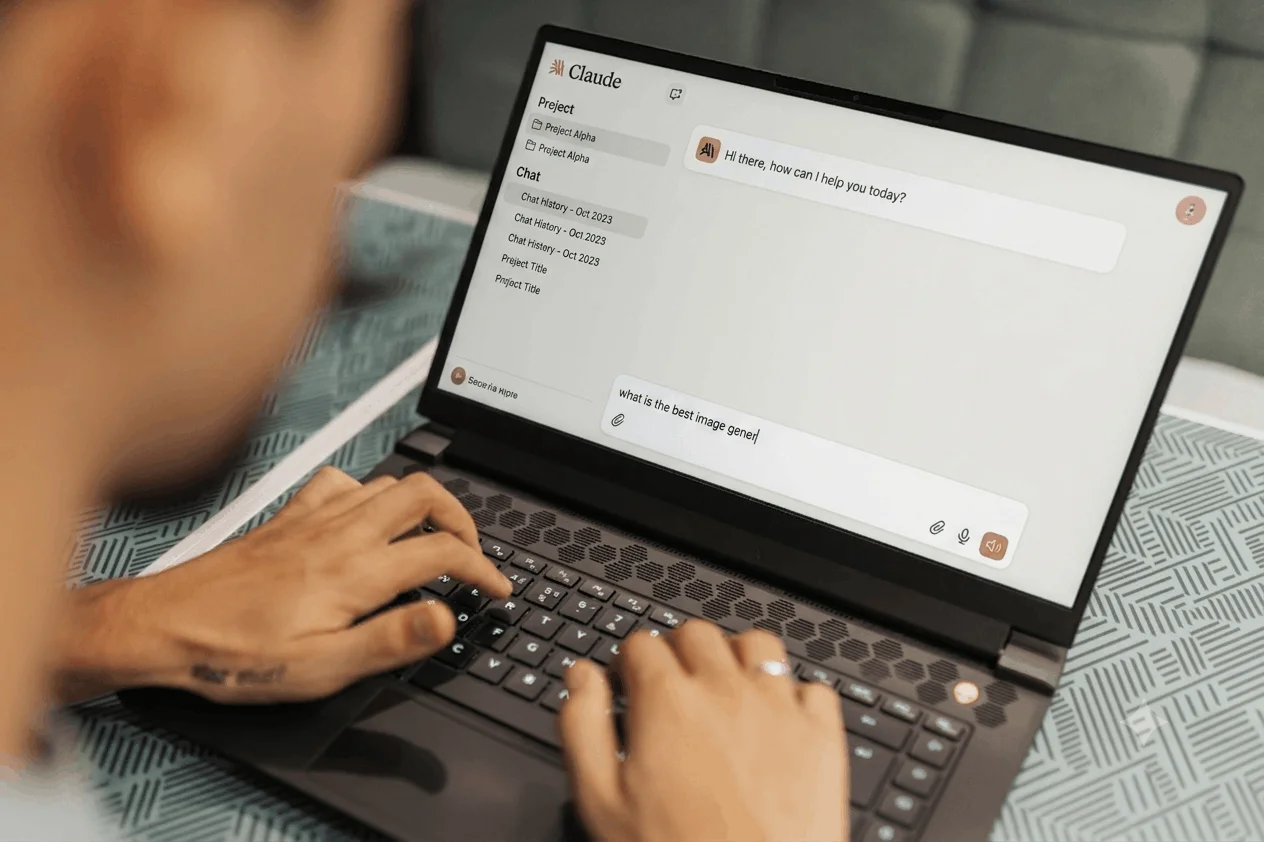
Are you looking for a smart assistant that actually understands your instructions without getting confused along the way?
Finding a reliable helper for daily tasks feels harder than it should. Some setups give brief answers but fall apart when you hand them a long file. Others give quick output but invent facts out of nowhere. Claude AI has become a go-to space because it covers the basics and handles complex projects with care. Millions of professionals use it every week and the system easily processes massive files across multiple projects without losing track.
In this blog, we go through what makes it worth using, who it suits best and what you should know before you start.
A Closer Look at Claude AI
Claude AI is a family of large language models and a full agentic AI ecosystem developed by Anthropic, an AI safety-focused company founded by former OpenAI leaders.
It stands apart from competitors like ChatGPT and Gemini because it is built using Constitutional AI. This is a unique training method where the AI self-corrects and evaluates its behavior against a core set of written ethical principles rather than relying solely on human feedback.
In 2026, Claude AI operates on its highly advanced Claude 4.x generation, including models like Haiku, Sonnet 4.6 and the heavy-duty Opus. It has transformed from a basic text generation chatbot into a sophisticated reasoning partner. It executes complex code, analyzes vast documents using a massive 1 million-token context window and operates autonomously across various tools.
Why Do People Search for Claude AI?
People look for it when they grow tired of rigid assistants that miss simple details.
Maybe an old tool stopped working on long files. Maybe it could not parse a messy PDF, or it kept writing code full of small errors. People turn to Claude AI as an alternative because the experience feels much more natural and precise.
Main reasons users pick it:
- Massive context memory that holds whole books or huge codebases in one chat window
- Natural writing tone that avoids stiff corporate language and sounds like a real person
- Strong coding skills that help engineers debug and refactor full applications fast
- Safe ethical guidelines built right into its core design for clean enterprise work
- Flexible tool access that allows it to run command-line tasks directly
Why Claude AI Matters in 2026
The shift from simple automation to deep, multi-step problem solving makes this engine a dominant force.
1. The Rise of Agentic AI and “Claude Code”
The platform is no longer limited to suggesting code snippets or simple text. It has transitioned into a true autonomous agent. Through Claude Code, it lives directly in a developer’s terminal with full file system access. It can autonomously read entire codebases, write files across multiple directories, run tests and manage Git workflows. In fact, internal engineering teams report that Claude Code now autonomously writes a vast majority of their internal codebases.
2. Reusable “Claude Skills” and Institutional Standards
A major step forward is the introduction of Claude Skills. Instead of re-entering detailed prompt guidelines every time you start a chat, you save custom, markdown-formatted skills into memory. These files explicitly dictate how the assistant handles structured creative tasks, like generating pitches in a specific brand voice or executing legal checks. You activate them using a simple forward-slash (/) command in the interface.
3. Compliance and Regulatory Defensibility
With new digital safety enforcement starting, companies face real financial penalties for unpredictable AI behaviors. Because actions connect back to a transparent, 23,000-word ethical constitution, enterprises explicitly trace, audit and document the methodology behind every workflow. This makes Claude AI the go-to choice for regulated industries like legal, medical and corporate finance.
4. Human-Like Content and Structured Design
While other systems rely on repetitive clichés, creators prefer this assistant for long articles. Its reasoning engines structure arguments naturally without sounding like a template. Tools like Claude Design allow product teams to build functional prototypes, presentations and design system components rooted in actual brand context, rather than just generating static graphics.
5. Massive Enterprise Adoption
Dominance shows across rapid growth metrics. Annual revenue has climbed fast, with a huge share of global companies deploying the platform at scale. Major consulting firms rely on Claude AI across thousands of team members to overhaul internal knowledge bases and software development pipelines.
What Are the Key Features of Claude AI?
Massive Context Handling
The 1 million token limit changes how you interact with large sets of data. You can upload entire manuals, legal contracts, or technical books without trimming down your files. The assistant reads everything, remembers tiny details and answers your questions with high accuracy.
Terminal-First Agent Support
Developers work directly inside their terminal rather than switching back and forth between a web browser and an editor. The terminal setup reads local project files, runs automated test suites and fixes bugs without manual copy-pasting.
Custom Workflow Skills
You can build specialized macros for your daily duties. Save markdown files with specific instructions and bring them up instantly using slash commands during active sessions. This eliminates repetitive setup work when starting new projects.
Artifact Workspace Views
When generating code, documents, or vector graphics, the interface opens a side panel called Artifacts. You preview the output in real time, edit the content directly and iterate on changes without clogging up your main chat history.
What Are the Real Benefits of Using Claude AI?
Saves Hours on Reading
You do not need to scroll through hundreds of pages of research papers or reports. Drop the file in, ask for a quick summary or specific facts and receive precise answers right away.
Writes Natural Drafts
Drafting articles or letters feels far less mechanical. The output avoids robotic phrases, varies sentence length and keeps a warm tone that reads naturally to real human audiences.
Solves Code Errors Fast
Coding becomes much smoother when you have a patient partner. It tracks errors across separate files, suggests quick fixes and explains why a bug happened in plain words so you learn as you work.
Reliable and Safe Logic
Thanks to its ethical framework, the model avoids harmful output and double-checks its own logic before handing over an answer. That reliability means fewer corrections for you.
How Does Claude AI Compare to Other Platforms?
| Feature | Claude AI | Typical Chatbots | Basic AI Tools |
| Context Window | Up to 1M Tokens | 128K Tokens | 32K Tokens |
| Primary Safety Method | Constitutional AI | Standard Reinforcement | Basic Keyword Filters |
| Coding Setup | Terminal Agent & CLI | Simple Web Chat | Line Completion Only |
| Writing Style | Human-Like Flow | Often Stiff / Robotic | Very Simple Text |
| Custom Commands | Markdown Slash Skills | Basic Custom Instructions | None |
How Do You Get Started with Claude AI?
Getting set up takes just a couple of minutes.
Head over to the official website and sign up with your email address. Once logged in, you can start asking questions in the web panel right away. If you write code, install the CLI tool into your terminal to test out autonomous agentic features across your local project folders.
Try uploading a large document first to test how well it extracts key facts. As you get comfortable, save a few custom markdown skills to streamline your daily tasks.
What Is Coming Next for Claude AI?
Development moves quickly toward even smarter subagent collaboration.
Future updates focus on letting specialized subagents break down giant tasks automatically. One agent researches facts, another writes code and a third runs tests simultaneously. This teamwork saves dynamic computing effort while delivering clean, finished project files.
Accessibility tools are also improving. Better screen reader support, desktop voice inputs and deeper integration into popular software suites will make running your daily workflows smoother than ever.
Wrapping It Up
Using Claude AI gives you an intelligent partner that handles huge files, writes naturally and fixes code without hassle. Smart features like terminal integration, custom slash skills and safe design choices save real time every week. If you want to finish your work faster, visit the site, open a free account and see how easy it is to upgrade your daily routine!
Frequently Asked Questions
What is Claude AI and why is it important?
It is an advanced smart assistant created by Anthropic using ethical Constitutional AI. It handles massive documents and complex coding tasks reliably.
Is Claude AI better than ChatGPT 2026?
It depends on your work style. Claude AI excels at natural writing, terminal coding and processing long context files without losing track.
Why is Claude AI so popular right now?
People love its human tone, huge context window and terminal agent features. It solves multi-file projects easily without mechanical mistakes.
Why will AI be so important in 2026?
Smart automation now handles complex multi-step tasks autonomously. Tools manage files, test code and analyze data to save workers hours daily.
Which country is No. 1 in AI?
The United States leads in overall research, development and private investment, with major hubs driving breakthrough model architectures and infrastructure forward.


